The small jobs, handled
Not every task needs a generation. These run on the file you already have.
Resize Photo
Pick a preset or type your own numbers. Lock the aspect ratio, choose how the crop fills the frame, and download it. Runs in your browser — the file never leaves your machine.
Open ResizeRemove Background
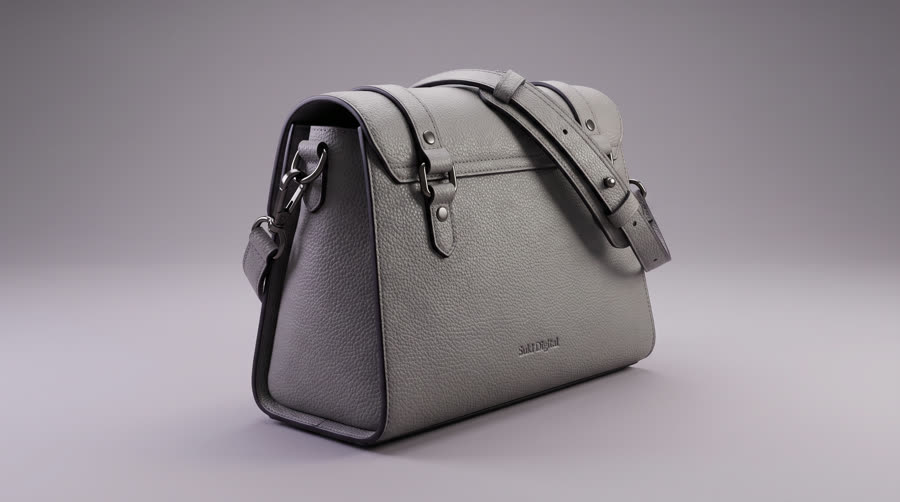
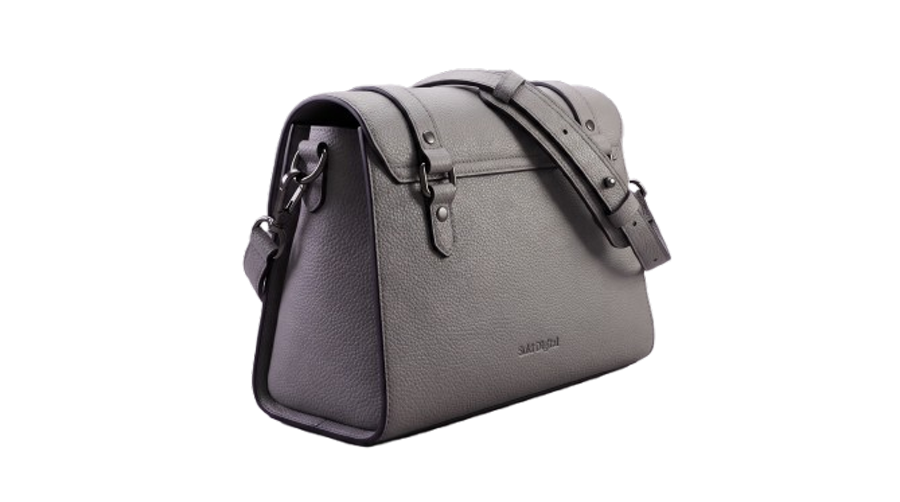
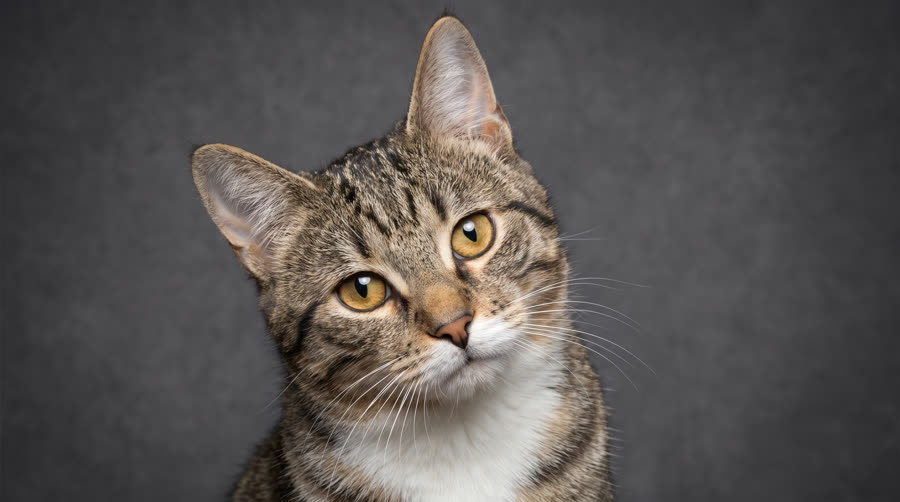
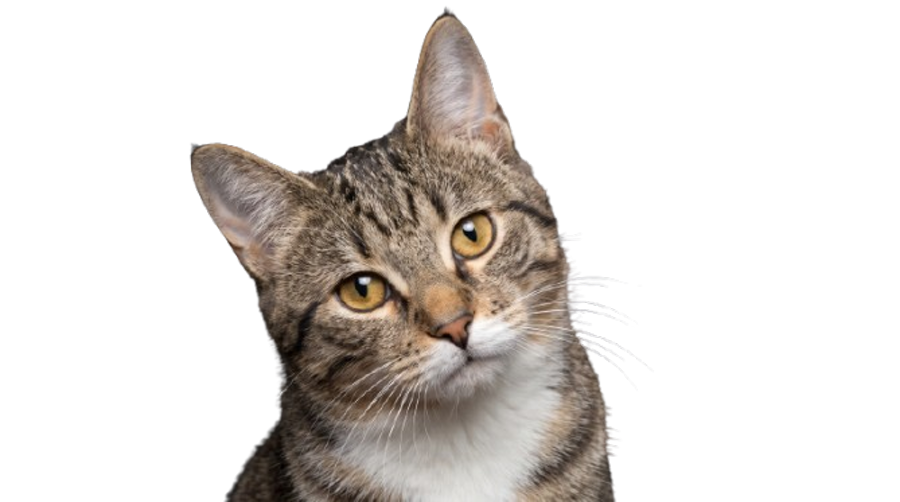
Cuts the subject out and drops it on transparent, white, a studio sweep or a soft shadow. Hair and fur edges included. The model runs in your browser, so the photo never leaves your machine — the first run downloads it once, then it is cached.
Open Remove Background


Other tools
Being built next. Tell us which one you need first and it moves up the list.
Upscale
Push a small or soft file up to print size without it going plastic.
Batch export
One image out in every placement size at once, correctly named.
Contact shadow
Puts a believable shadow back under a product after the cut-out.
Colour match
Pulls a whole set to one white balance so the grid stops looking patchy.
Cleanup
Paint out a tag, a crease, a reflection or a stray hand.
Marketplace crops
Amazon, Shopify and Meta specs applied without measuring anything.