The whole studio, in one place.
Every generator, library and tool Vitonize runs — what each one takes in, and what it hands back.
Generators
Put a garment, a product or a person into a new photograph.
7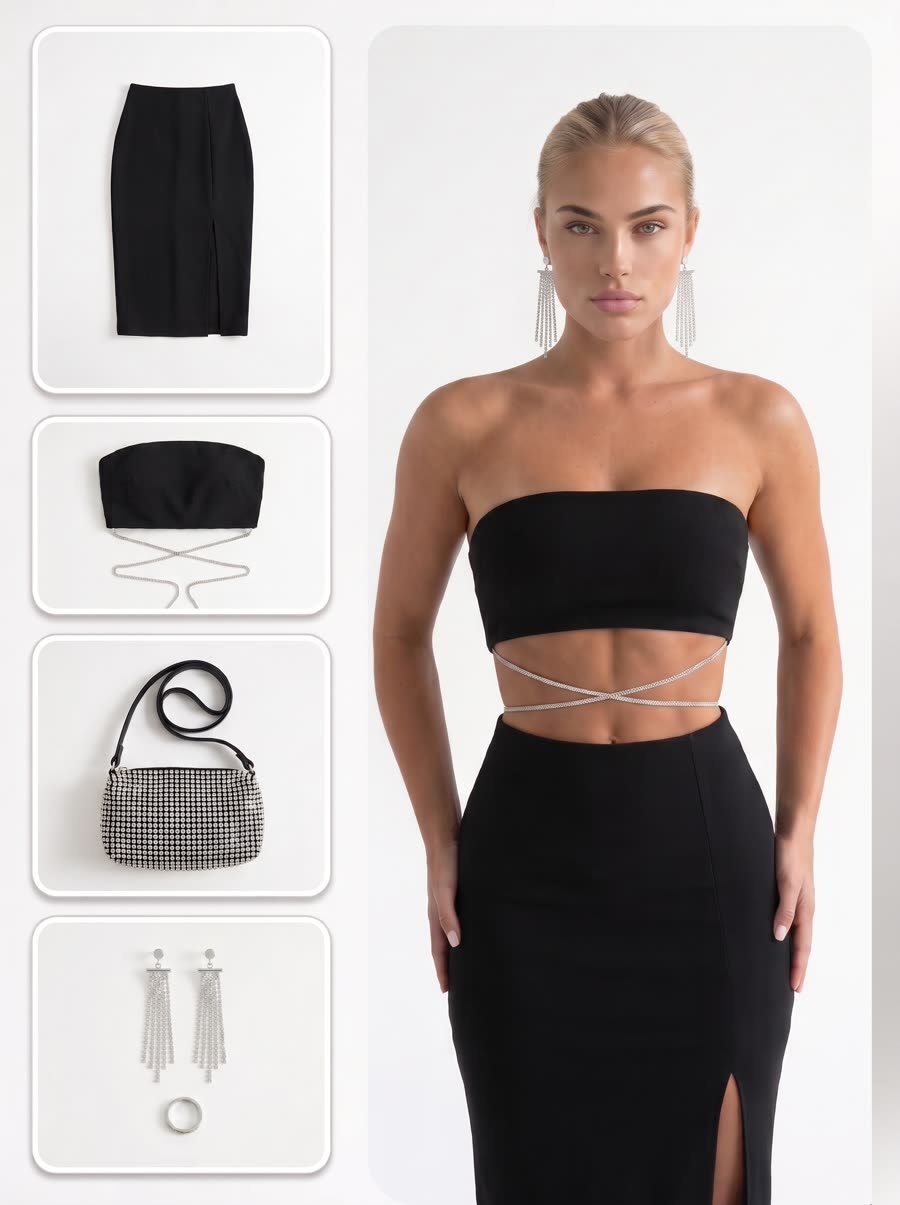
 Generator
On-Model Photography
Put a garment on a real body from a flat lay or rack shot.
Open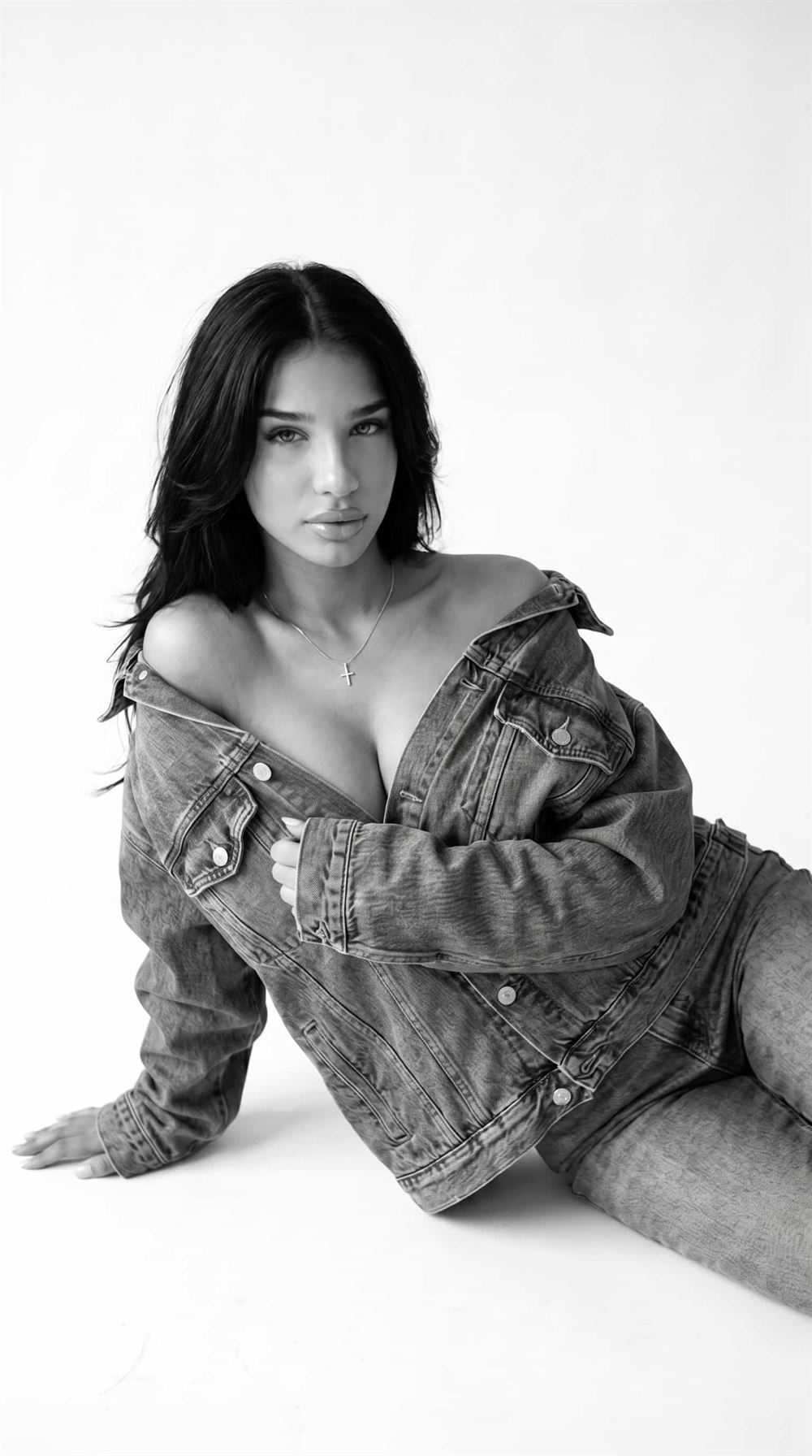
 Generator
On-Model Reshoot
Keep the pose and fit, change the face and the room.
Open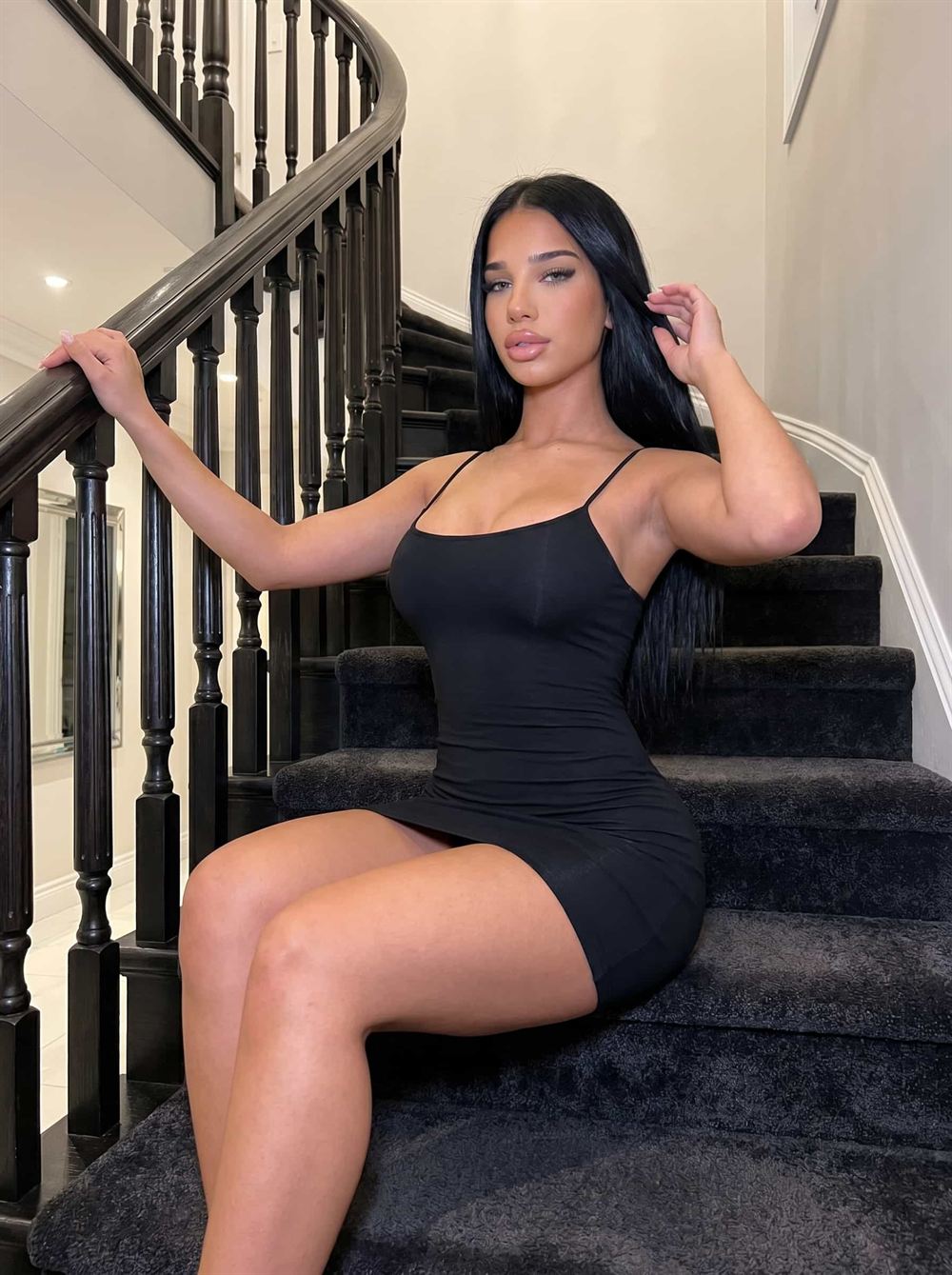
 Generator
Mannequin to Model
Form and fit exactly as photographed, with a person in frame.
Open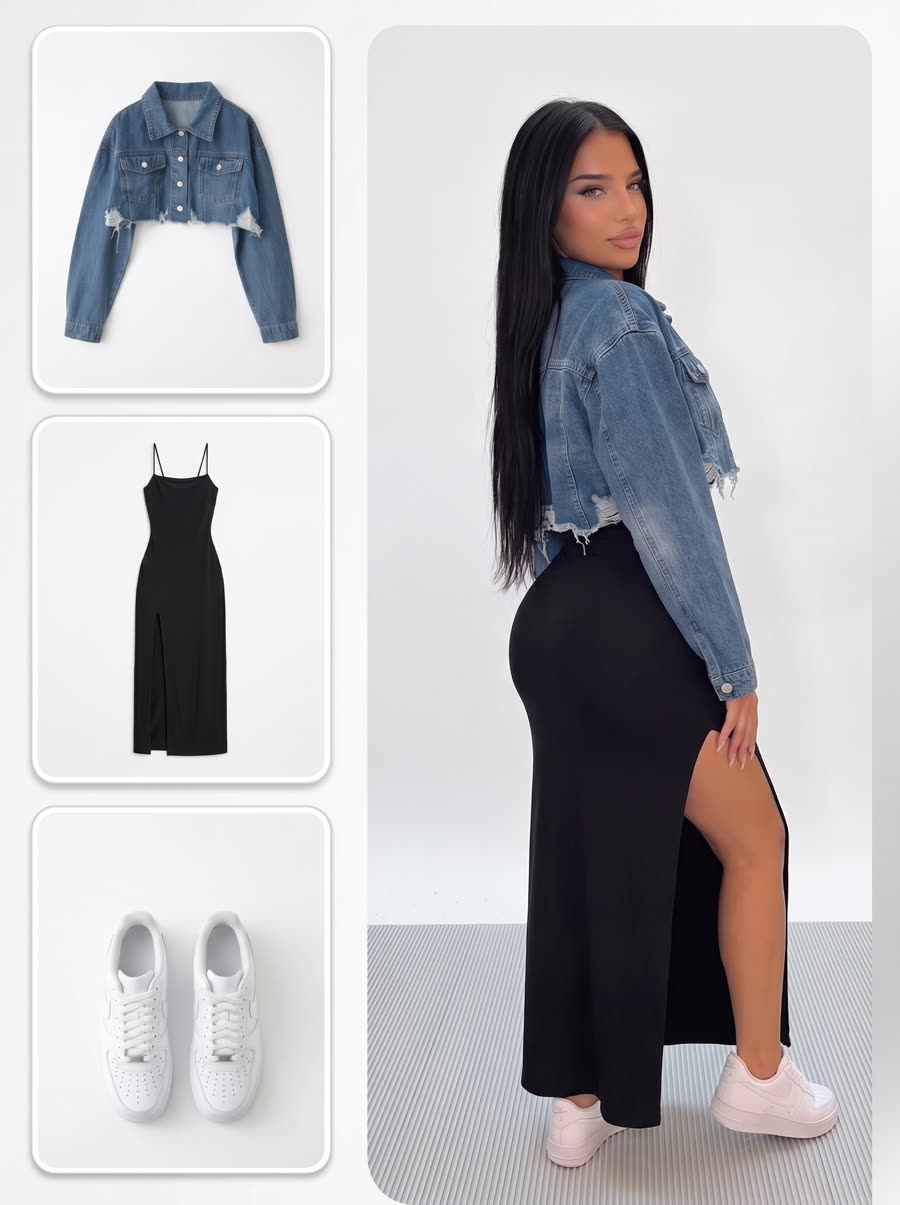
 Generator
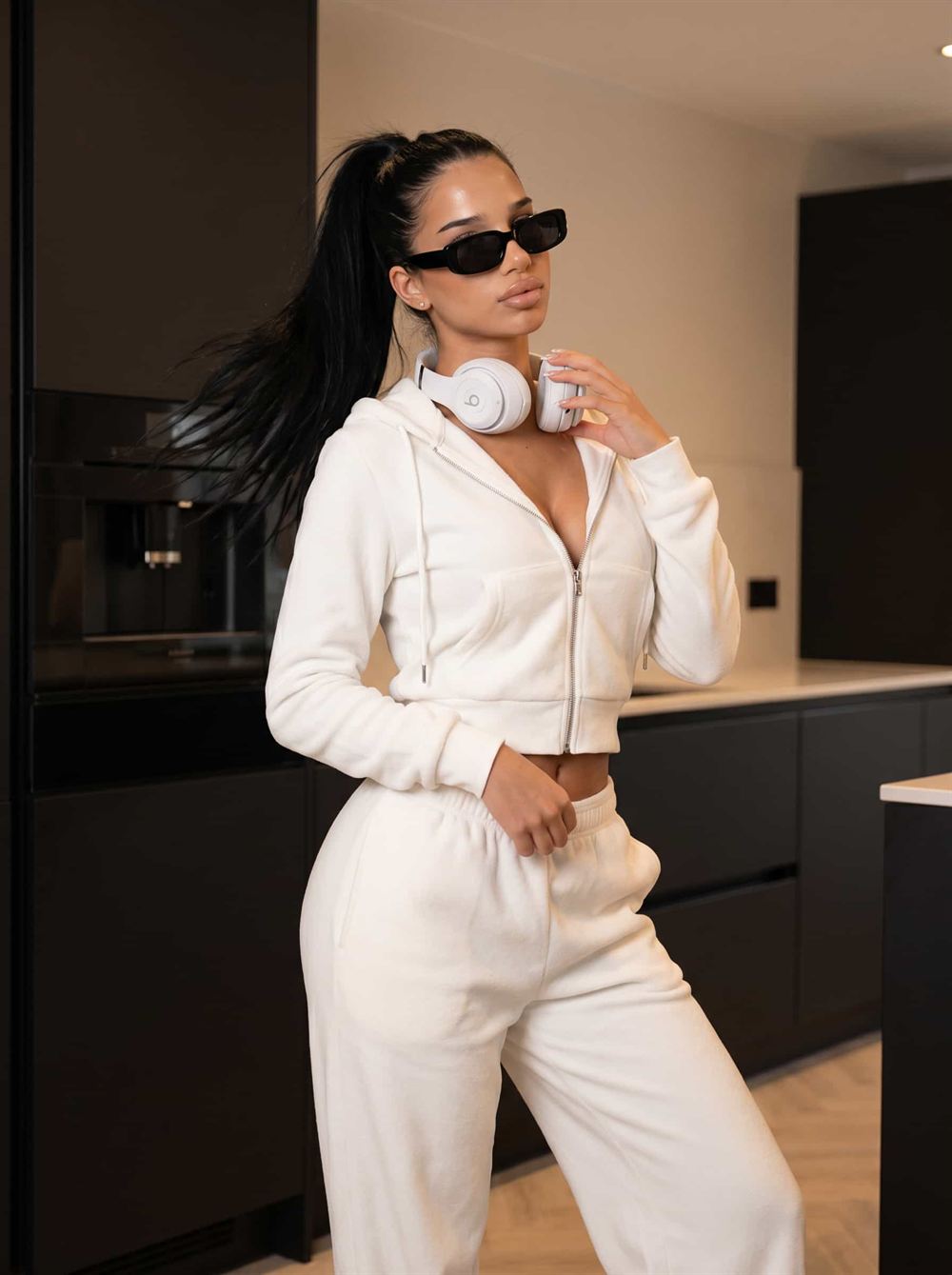
Clothing Swap
Same model, same shot, a different garment on the body.
Open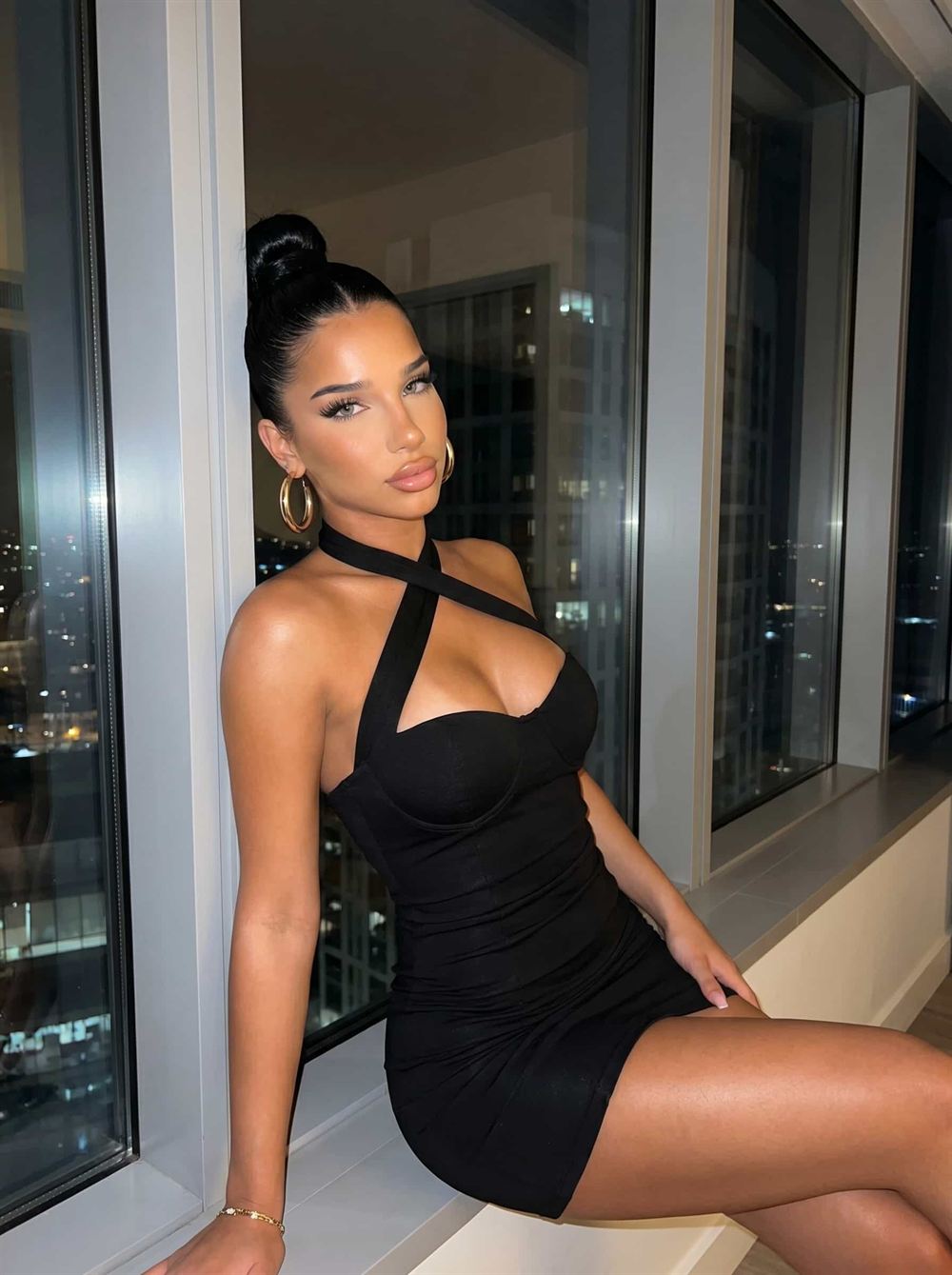
 Generator
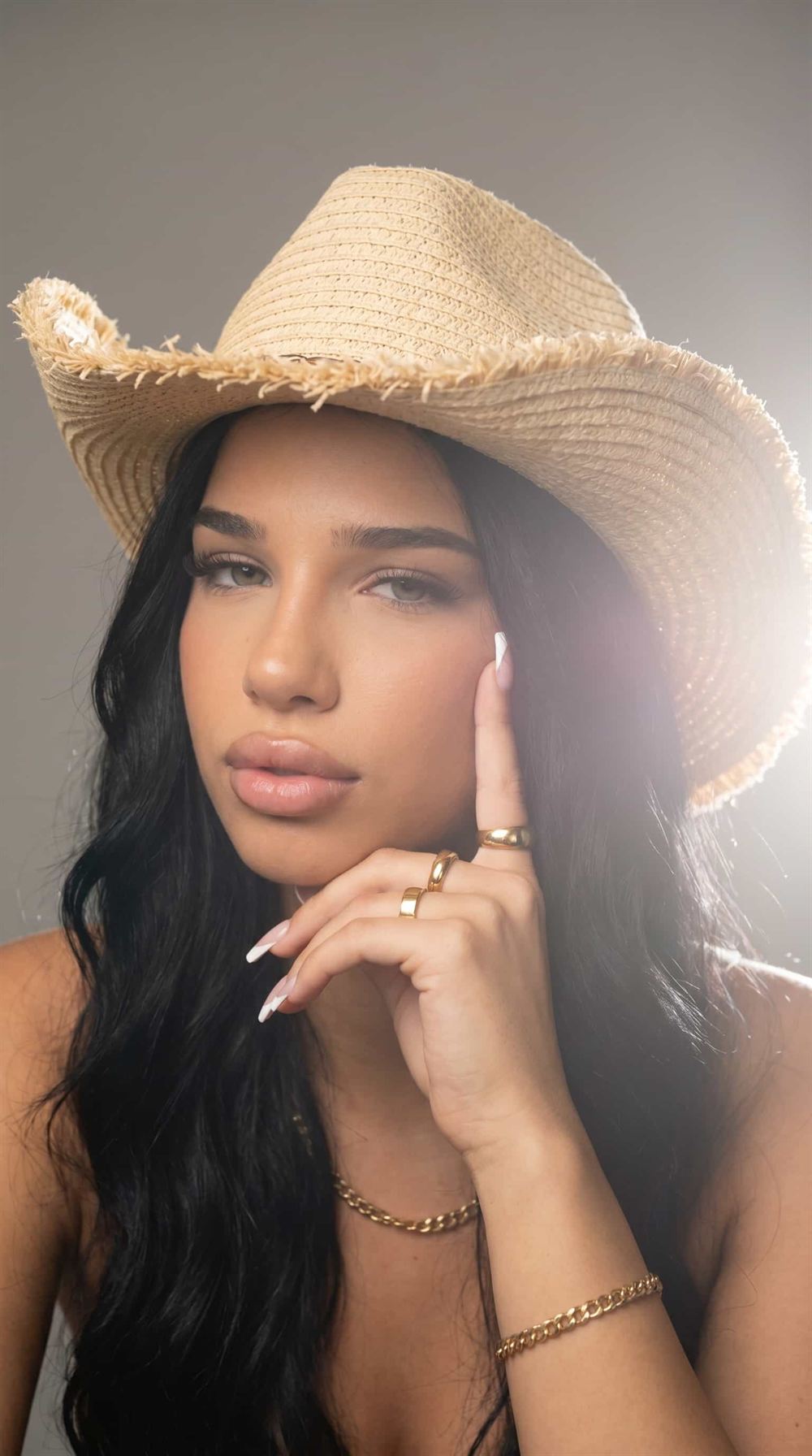
Change Pose
One pose in, a different pose out. 117 poses to choose from.
Open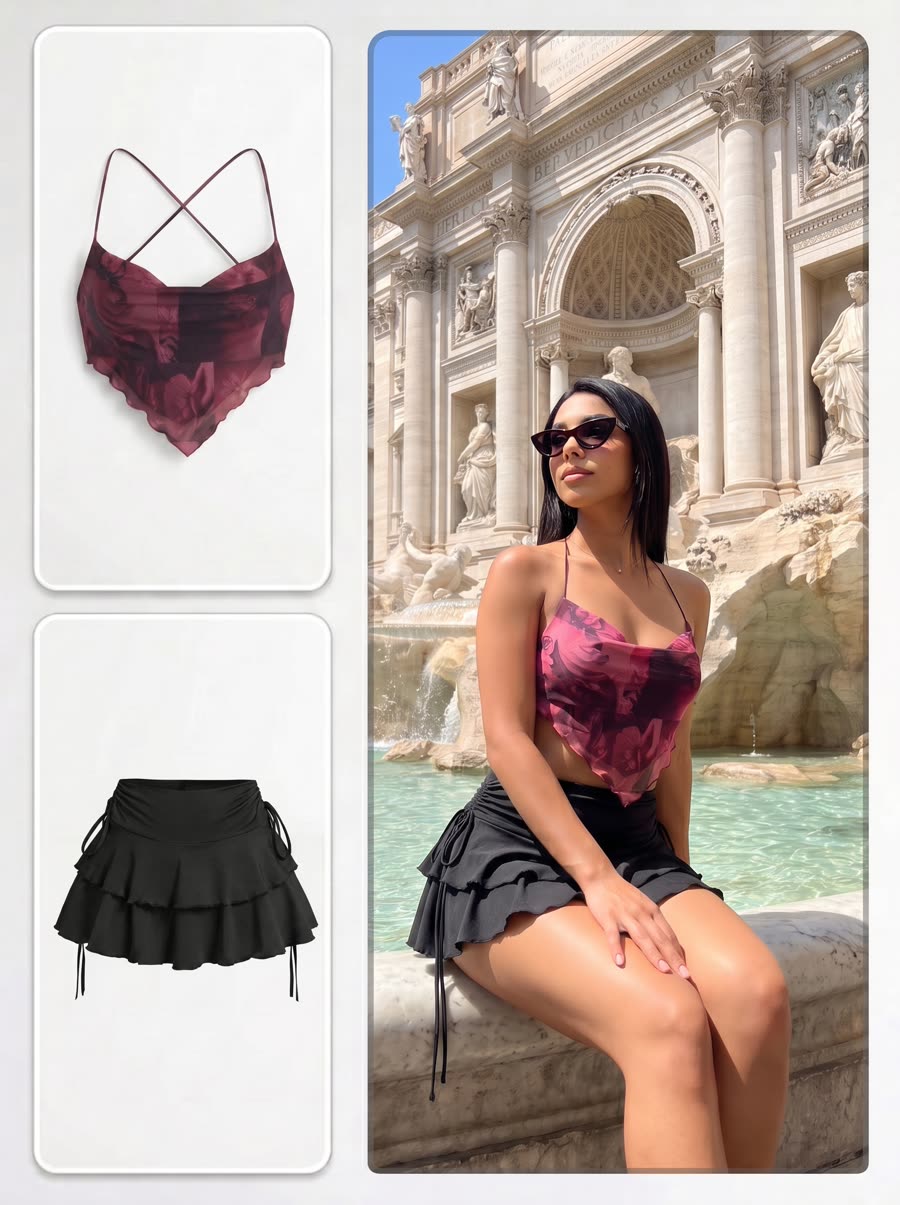
 Generator
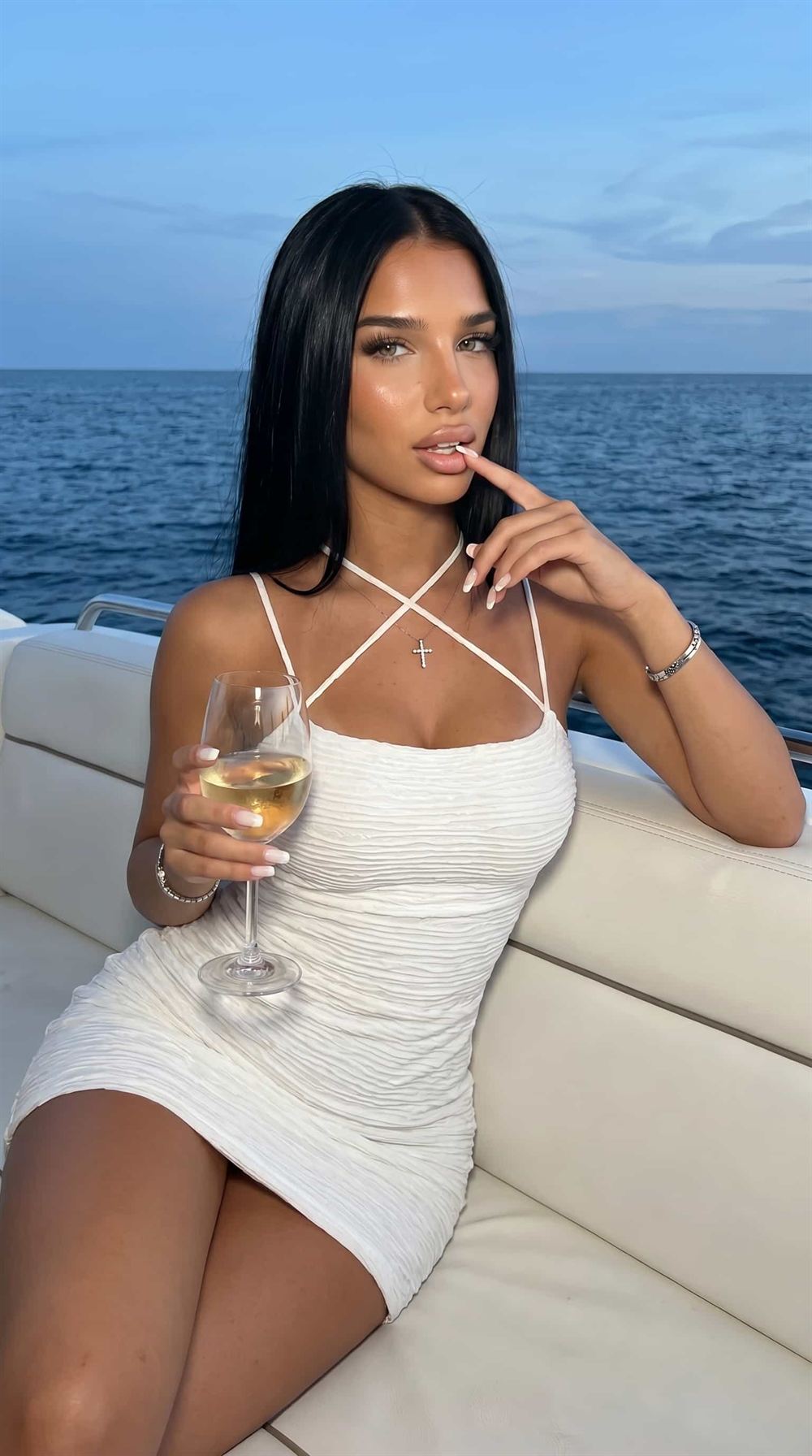
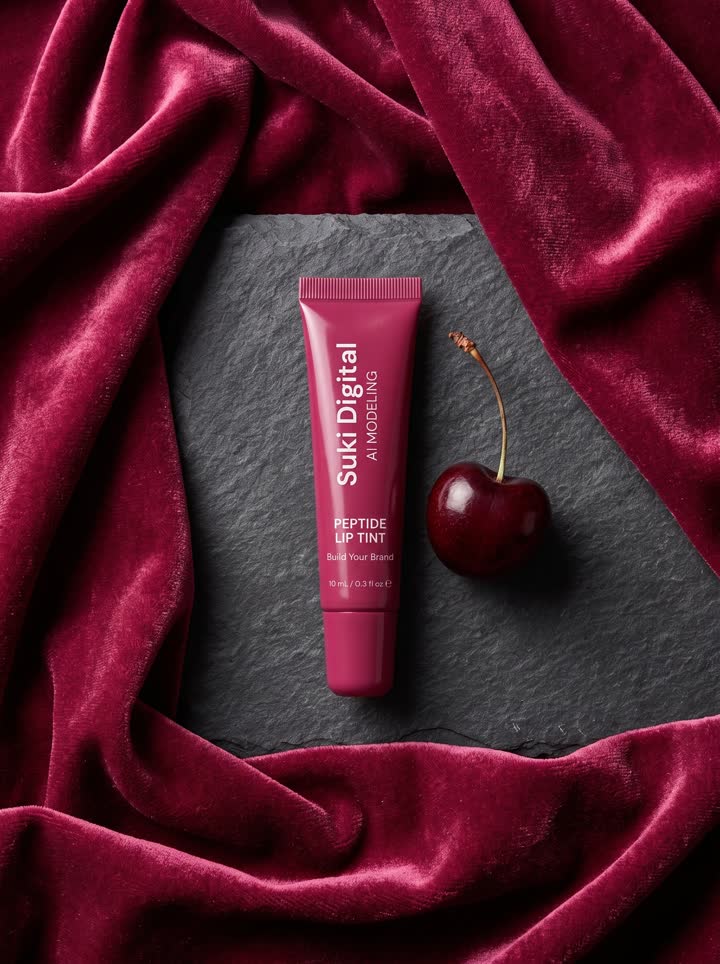
Editorial Campaign
Campaign frames with the mood turned all the way up.
Open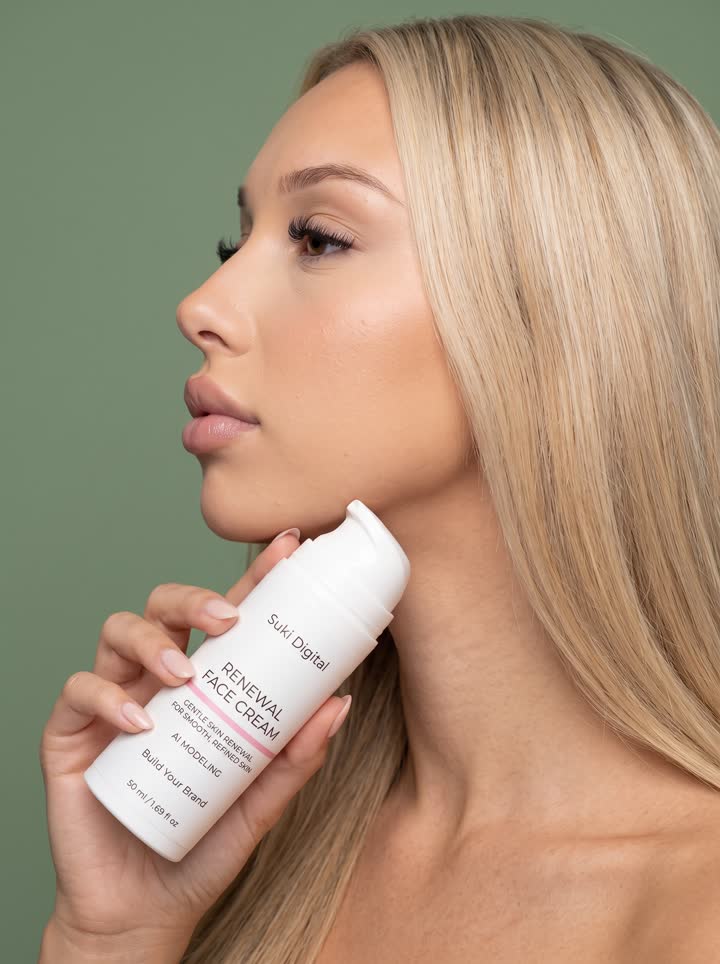
 Generator
UGC Creator
Creator-style clips that look filmed, not produced.
OpenStudios
Longer jobs with several steps and a brief of their own.
2
Tools
One job each, no prompt, most of them instant.
4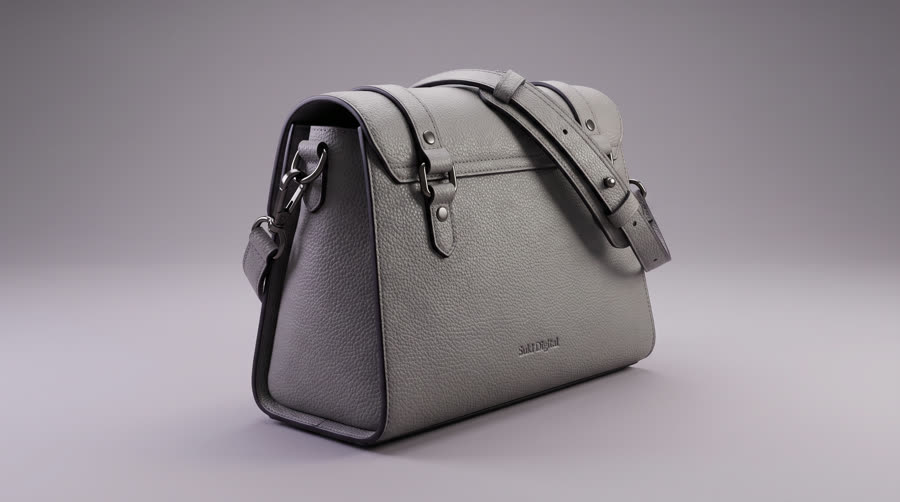
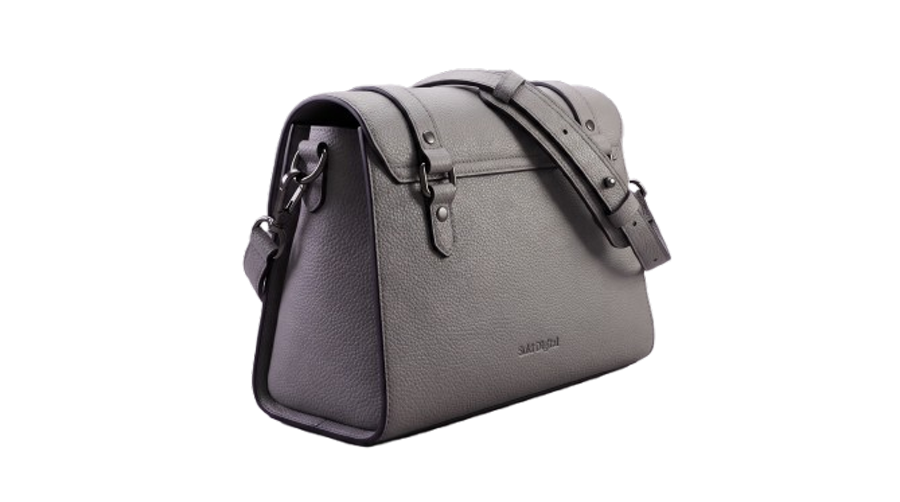 Tool
Tool
Remove Background
Cut the subject out — hair, fur, straps and glass edges included.
Open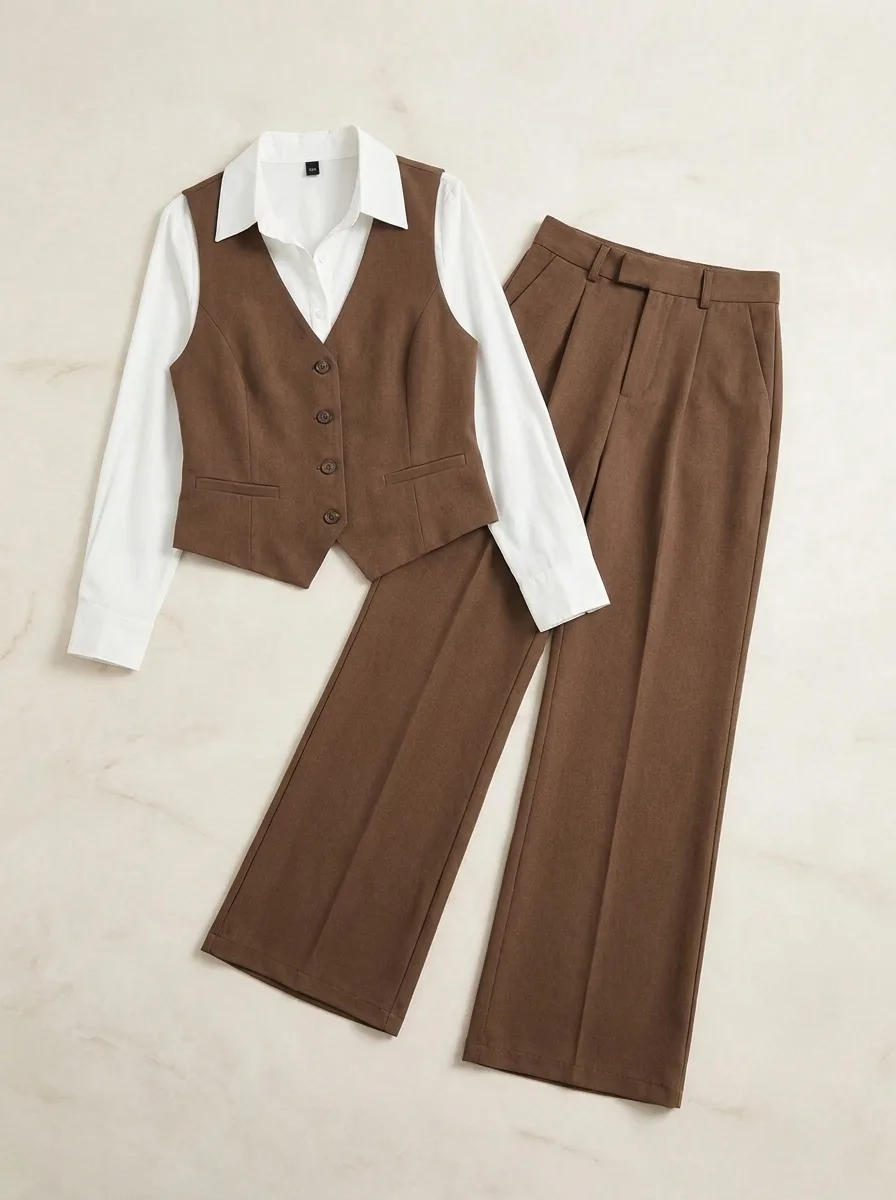
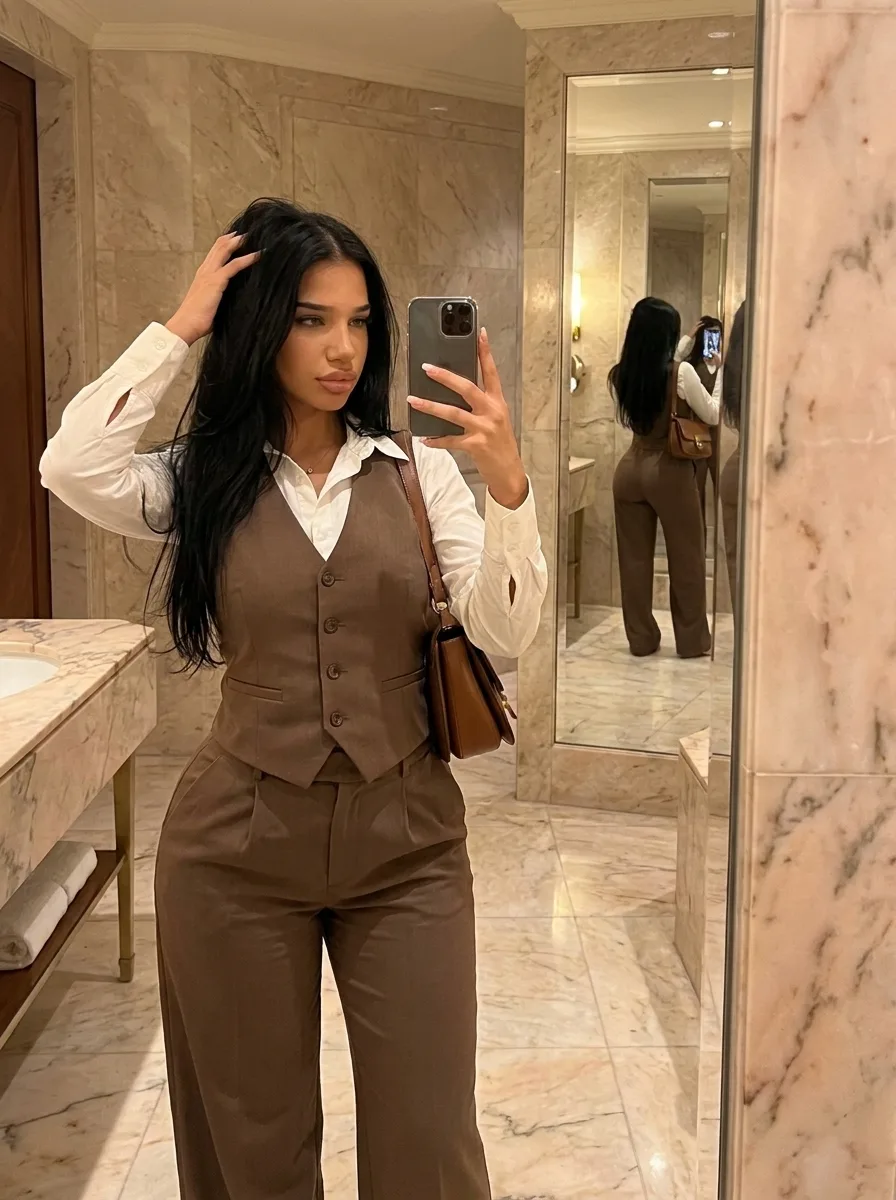 Tool
Tool
Upscale
Photos you already have, two or four times larger.
Open
 Tool
Tool
Shots
Upload one photo, get nine camera angles of it.
Open
 Tool
Tool
Resize Photo
Every placement size, cropped the way you want it.
OpenLibrary
Everything you have made, kept on this device.
1